Stop Writing Boring Meta Descriptions: Templates That Get Real Clicks
You wrote an amazing blog post. You nailed the keywords. You even added a killer featured image. Then… Nothing.
Chances are, your meta description isn’t as fire as your content, and it’s causing people to scroll right past you.
But don't worry. This guide is packed with practical tips and steal-worthy templates. By the end, you'll write meta descriptions that make people stop and take notice. And why shouldn’t they? You know your stuff and they should read it.
What Is a Meta Description (And Why Should You Care)?
A meta description is a short summary of your web page. It shows up in search engine results right below your page title and URL.
Think of it like a movie trailer. It gives people a sneak peek of what's inside. If the trailer is boring, nobody watches the movie.
Here's why it matters: your meta description directly affects your click-through rate (CTR). CTR is the percentage of people who see your link and actually click on it.
A higher CTR means more visitors. More visitors means more leads, sales, and growth. Google even pays attention to CTR. If lots of people click your link, Google sees it as relevant. That can help your rankings over time. So yea… you gotta pack a lot into that little snippet of text.
Why Most Meta Descriptions Fail
Let's be honest. Most meta descriptions are terrible. And it's not because people are bad writers. It's because they don’t realize how important it is.
Here are the most common mistakes:
Too vague or generic. "We offer great services for your needs." Cool. So does everyone else. Why should users click on YOU?!
Keyword-stuffed. "Best SEO tips SEO guide SEO help SEO tricks." Google hates this. Readers hate this even more. For the love of Dolly Parton, quit it with the keyword-stuffing. (This is a trigger for me. Can you tell?)
Too long or too short. Google cuts off descriptions around 155-160 characters. If yours is too long, the ending disappears. Too short? You waste valuable space.
No clear reason to click. If your description doesn't answer "What's in it for me?,” you’ve lost them.
These mistakes are super easy to make. Why? Because by the time you get to the meta description, you’ve already done the keyword research, written the blog, edited the blog, chosen the images… you’re tired! Who gives a shit about an itty bitty little meta description?
Welp. Google does. So let’s talk about the simple formula to fix your meta description and get you the organic traffic your genius deserves.
The Anatomy of a Click-Worthy Meta Description
Every great meta description has a few things in common. Let's break it down piece by piece so you can nail it every time.
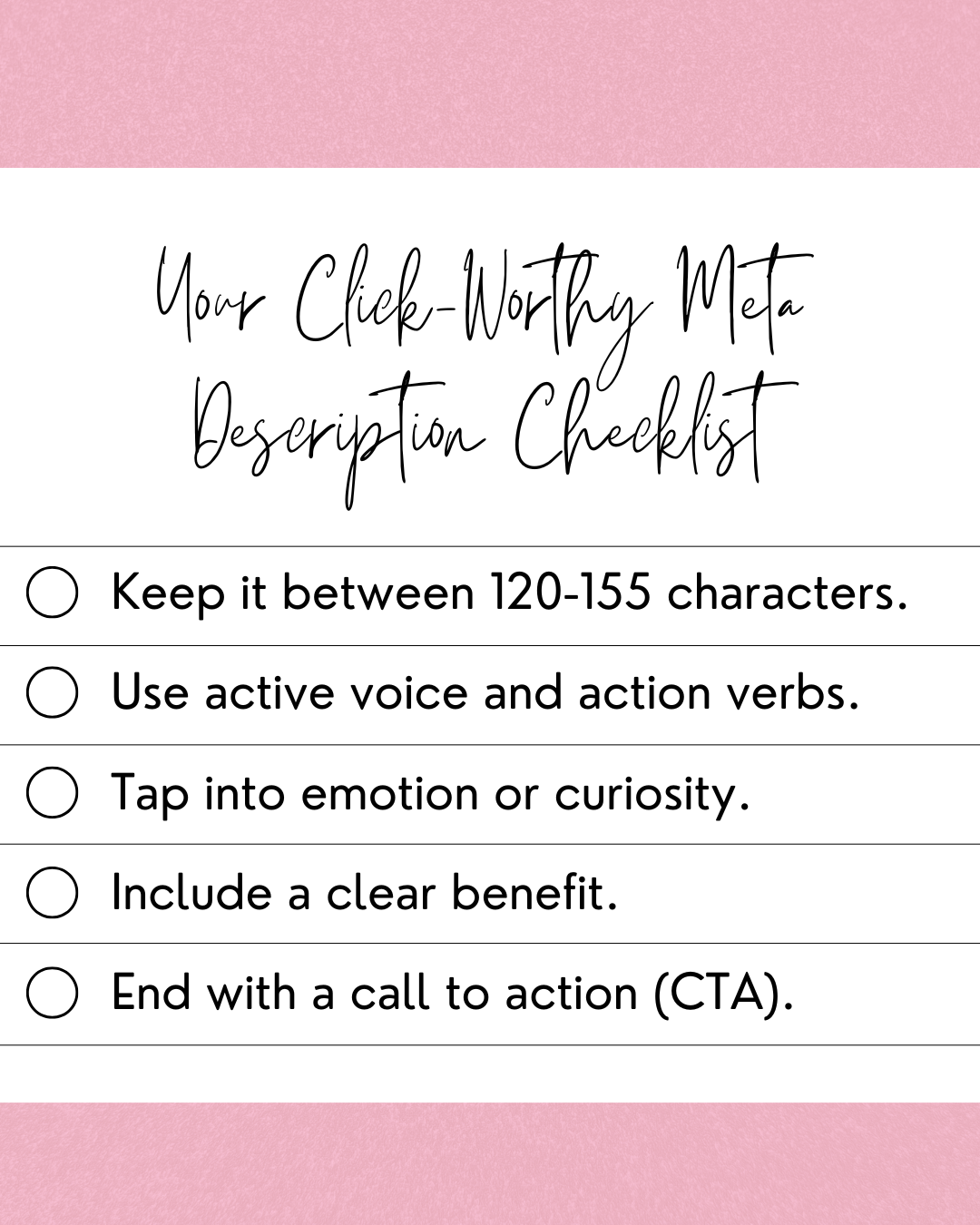
Keep it between 120 and 155 characters. This is the sweet spot. It's long enough to say something meaningful. But short enough that Google won't chop it off mid-sentence.
Use active voice and action verbs. Don't say "Tips are provided in this article." Say "Discover five tips that boost your traffic today." An active voice feels direct and energetic. It gets people moving.
Tap into emotion or curiosity. People click when they feel something. Make them curious. Make them excited. Make them feel like they'll miss out if they don't click.
Include a clear benefit. Tell the reader exactly what they'll gain. Will they save time? Learn a new skill? Get a free template? Spell it out.
End with a call to action (CTA). A simple "Learn more," "Get started," or "See how" nudges people toward that click. Don't be shy about asking for it.
When you combine all of these elements, you get a meta description that works hard for you. It's short, punchy, benefit-driven, and impossible to ignore.
5 Proven Meta Description Templates You Can Steal
Enough theory. Let's get practical.
Here are five templates you can copy, tweak, and use right away. Each one includes a before-and-after example so you can see the difference.
Template 1: The Problem-Solution
Formula: Struggling with [problem]? [Your content] helps you [solution]. [CTA].
Before: "This article talks about email marketing tips."
After: "Struggling with low open rates? Discover 7 email tricks that get your messages read. Start improving today."
This template works because it speaks to a pain point. The reader feels seen. Then you offer the fix.
Template 2: The Curiosity Hook
Formula: Most people get [topic] wrong. Here's what [result-driven phrase]. [CTA].
Before: "Learn about social media strategies."
After: "Most brands get social media totally wrong. Here's what top marketers do differently. Find out now."
Curiosity is powerful. When people feel a gap in their knowledge, they want to fill it.
Template 3: The Listicle Teaser
Formula: [Number] [adjective] ways to [desired outcome] — #[number] is a game-changer. [CTA].
Before: "Ways to save money on groceries."
After: "9 clever ways to cut your grocery bill in half — #6 is a total game-changer. See the full list."
Numbers grab attention. Teasing a specific item on the list creates an itch people need to scratch. But be careful. Google’s most recent Core Update is anti-listicle if you’re only creating lists to put yourself at the top of them. So, don’t be lame. Create lists that actually mean something.
Template 4: The Authority Play
Formula: [Trusted source/data point] shows [insight]. Learn how to [action]. [CTA].
Before: "Read about SEO trends."
After: "Google's latest update changed the SEO game. Learn how to adapt your strategy and stay on top. Read more."
This template builds trust fast. It signals that your content is backed by real data or credible sources.
Template 5: The Direct CTA
Formula: Get [specific benefit] with our [content type]. [Timeframe/ease promise]. [CTA].
Before: "We wrote a guide about productivity."
After: "Get more done in less time with our 5-minute productivity guide. Simple tips that work right away. Dive in."
Sometimes, being direct is the best approach. No bullshit. Just pure value and a clear next step.
Quick Tips to Boost Your CTR Even More
Templates are a great start. But here are a few extra tricks that can take your meta descriptions to the next level.
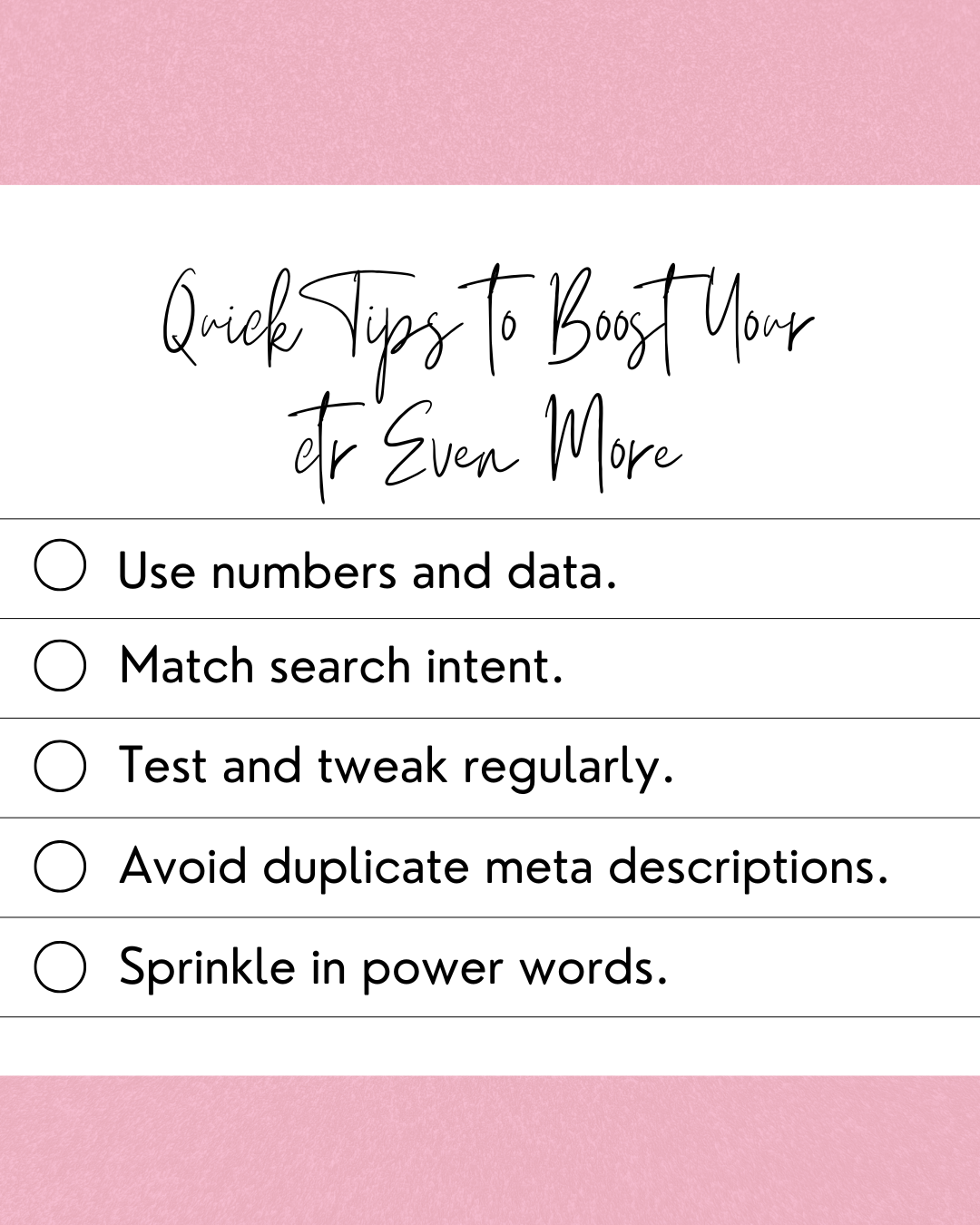
Use numbers and data. "Boost your CTR by 30%" hits harder than "Improve your CTR." Specifics build trust.
Match search intent. If someone searches "how to bake a cake," they want instructions, not a history of cakes. Make sure your description matches what the searcher actually wants.
Test and tweak regularly. Check your CTR in Google Search Console. If a page has lots of impressions but few clicks, rewrite the meta description and see what happens.
Avoid duplicate meta descriptions. Every page on your site needs a unique description. Copy-pasting the same one everywhere confuses Google and bores readers.
Sprinkle in power words. Words like "free," "proven," "easy," "secret," and "instant" trigger emotion. Use them naturally, not forcefully.
These small changes can add up to big results. Even a 1% bump in CTR across your whole site can mean hundreds of extra visitors per month.
Quick Takeaways on Writing a Bombass Meta Description
Let's recap the big lessons from this guide:
Your meta description is your search result sales pitch. Treat it like one.
Keep it between 120 and 155 characters.
Use active voice, action verbs, and a clear CTA.
Tap into curiosity, emotion, or a specific benefit.
Use the five templates above as your starting point.
Always match the searcher's intent.
Test your descriptions and improve them over time.
Writing great meta descriptions isn't rocket science. But it does take intention and practice. If you want expert help optimizing your website copy, I’m here for you.
My team and I exist solely to coordinate that chaotic marketing mess you have into a thriving brand your audience can’t get enough of. Whether you need a quick SEO or copy audit, or a total overhaul, reach out today and let's make your search results impossible to ignore.
FAQs on Meta Descriptions
1. How long should a meta description be?
Aim for 120-155 characters. This keeps your full message visible in most search results. Anything longer risks getting cut off by Google.
2. Does Google always use my meta description?
Not always. Google sometimes pulls its own snippet from your page content if it thinks it better matches the search query. But writing a strong meta description increases the odds that Google will use yours.
3. Do meta descriptions affect SEO rankings directly?
Not directly. Meta descriptions are not a ranking factor in Google's algorithm. However, a strong meta description can improve your CTR, and a higher CTR can indirectly help your rankings over time.
4. Can I use the same meta description on multiple pages?
You shouldn't. Duplicate meta descriptions can confuse search engines. Each page should have a unique description that reflects its specific content.
5. What tools can help me write better meta descriptions?
Great options include Yoast SEO (for WordPress), Mangools, or Magai AI*. Google Search Console is also essential for tracking your CTR and spotting pages that need better descriptions.
*Signifies an affiliate link.